 LayerCut
LayerCut documentation
Everything LayerCut does, from opening your first model to assembling the finished piece.
LayerCut takes a 3D model and works out how to build it from flat sheets on a laser cutter. You choose the material and the way the piece goes together. LayerCut then cuts the model into pieces, adds the slots, joints, pin holes and labels, packs the pieces onto sheets, and exports files your laser software can run.
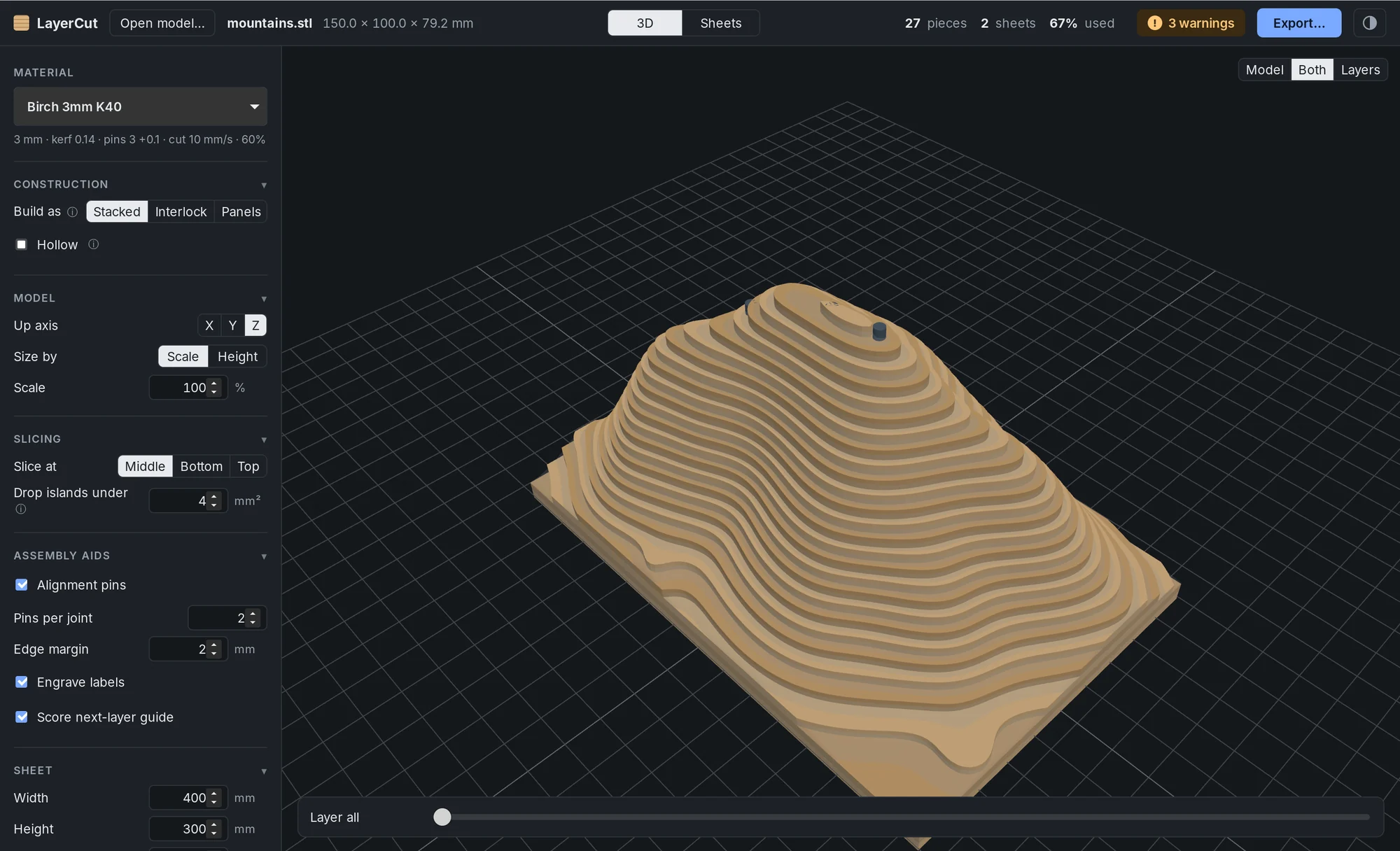
Start here
- Install and first cut
Download, install and take a model all the way to a cut file.
- The LayerCut window
The settings, the 3D and Sheets views, and the top bar.
- Materials
Save thickness, kerf, clearances and laser settings for each sheet you use.
- The fit test
One small cut that tells you your real kerf and the best slot and pin fits.
Ways to build
- Stacked
Layers glued flat, with alignment pins, guides and optional hollowing.
- Interlocking: grid
Two sets of crossing slices that slot together like an egg crate.
- Interlocking: radial
Spokes and rings for round shapes, solid or as an open shell.
- Panels
Thin-walled boxes and organizers as flat panels with finger joints and slots.
- Living hinges
Rounded corners cut as one bendable strip.
Cut and build
- Sheets and nesting
How pieces are packed, and how to read the Sheets view.
- Export and LightBurn
The files LayerCut writes and how to open them in LightBurn.
- Assembling your piece
Using the assembly guide, labels, pins and joints.
- Warnings and notes
What each message means and what to change.